
New design and additional metrics applied in the statistics screen and overview page.
We have developed a new and improved design for the statistics screen to show additional metrics and aggregate additional statistical data regarding each individual user’s historical payments to provide a better understanding of your finances and visualize in full scope all your data. The new metrics menu will allow each user to monitor past requests, track their requesting behavior while also determine an overall average ETA of requests made in the past.
BEFORE

NOW
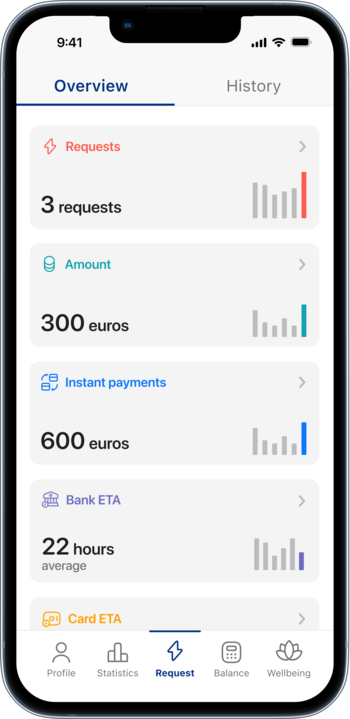
New statistical data design for requests
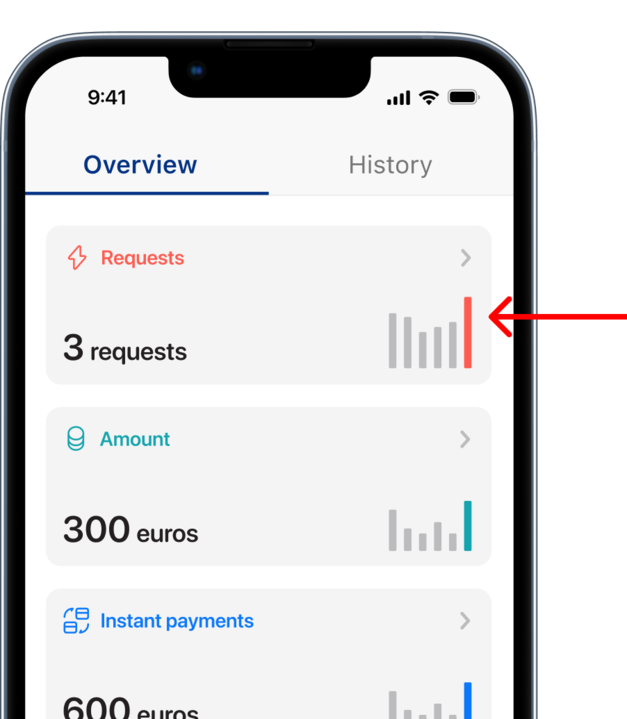
This metric will show the total number of requests a user has made during a specific period of time depending on the selected filter by week, month or year. Additionally, it will allow to calculate the average requests as well.
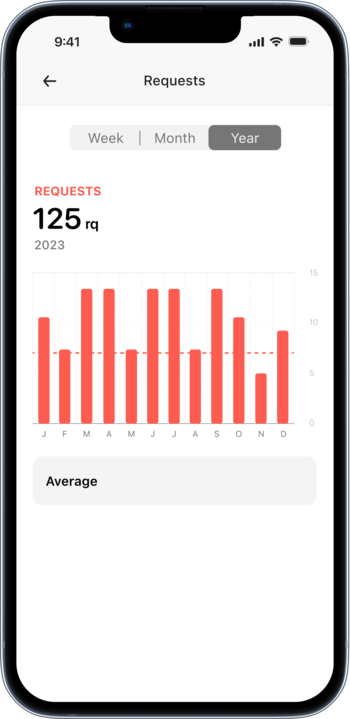
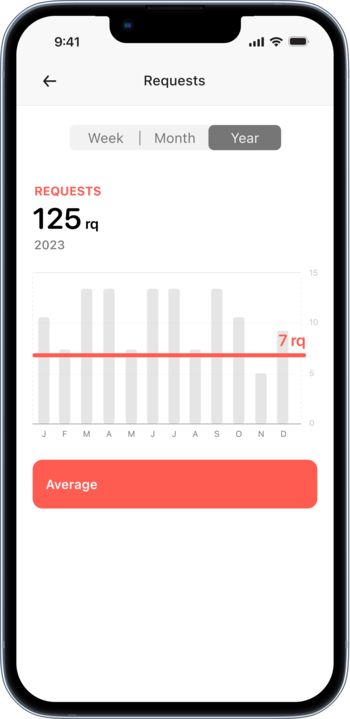
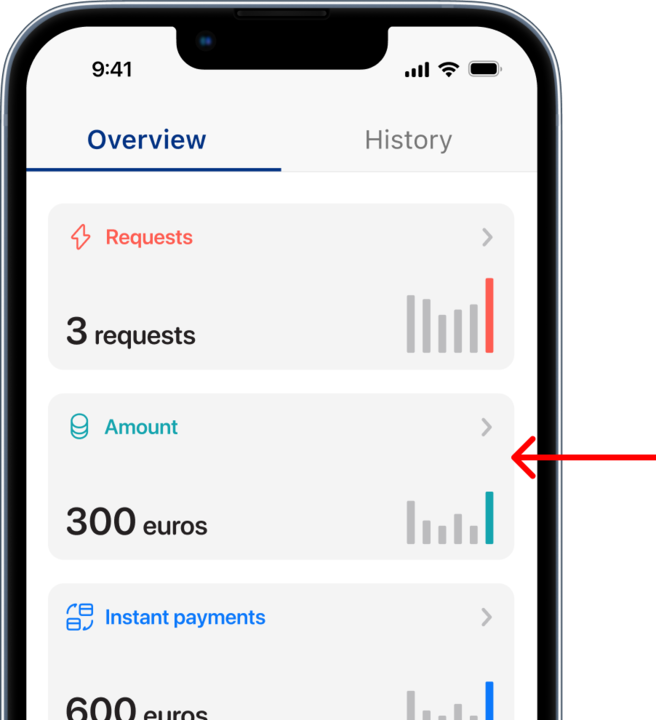
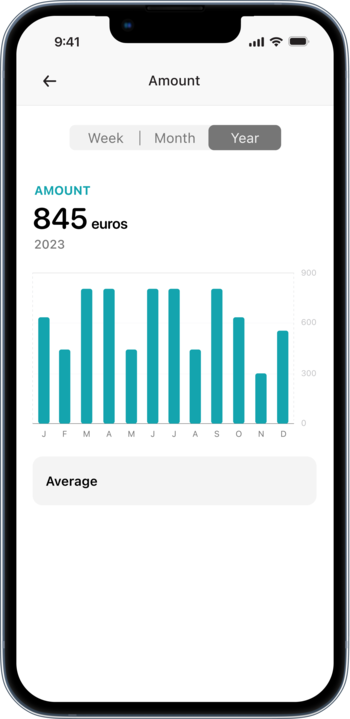
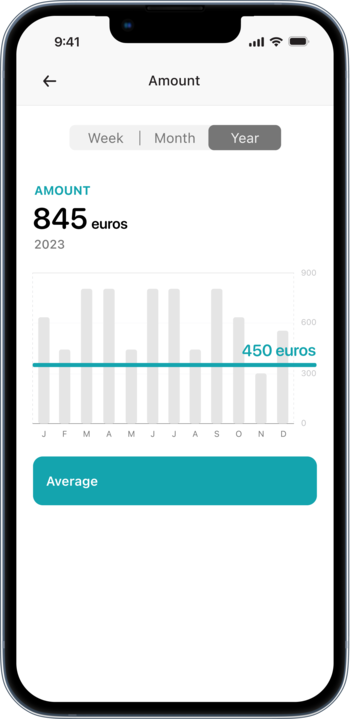
New statistical data design for transaction amounts
This metric will align all transactions and requests that a user has made and calculate the average amount based on the local currency of the legal entity.
New statistical data design for instant payments
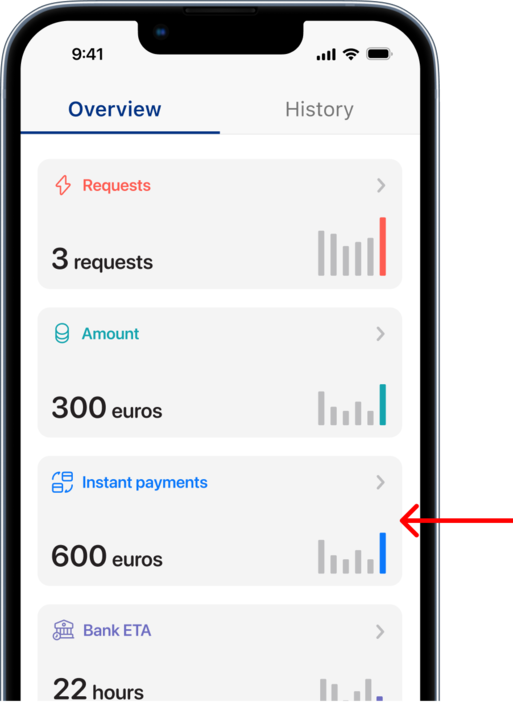
Any accumulated instant payments that a user receives from his employer will also be reflected in the statistics page.
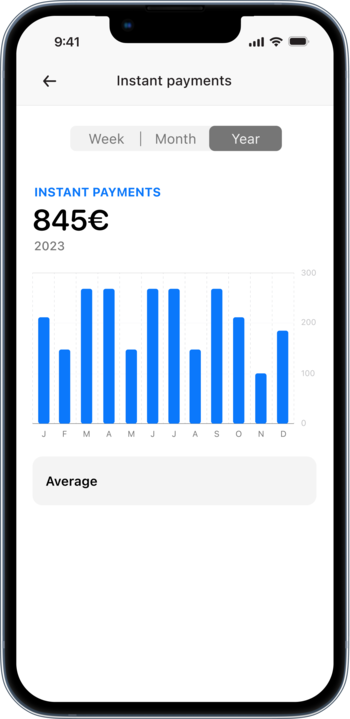
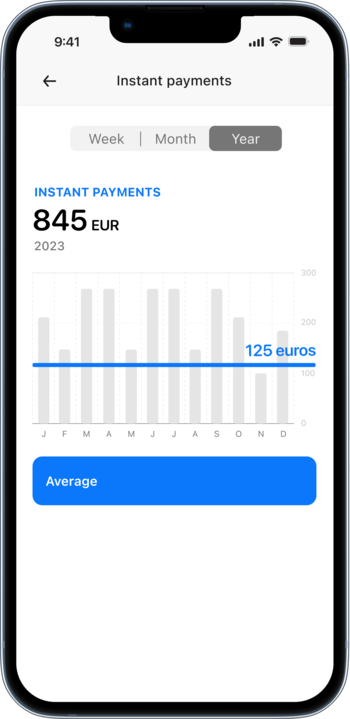
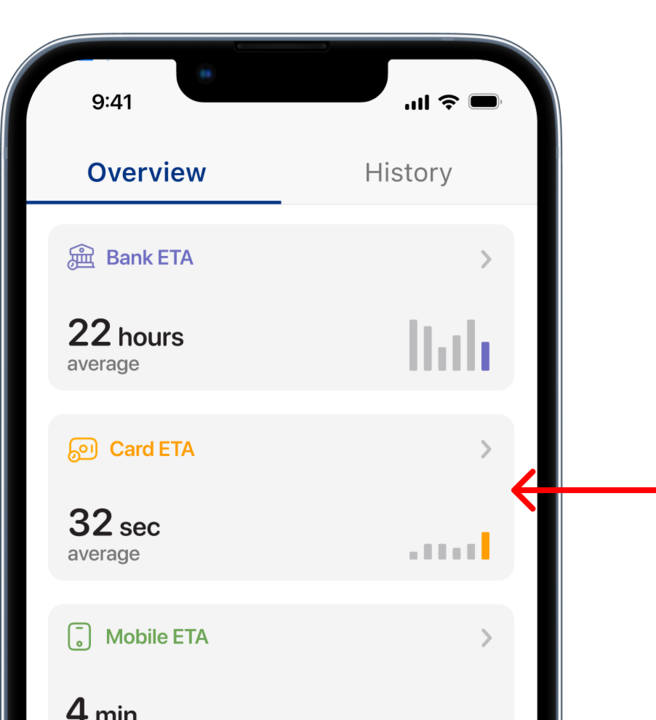
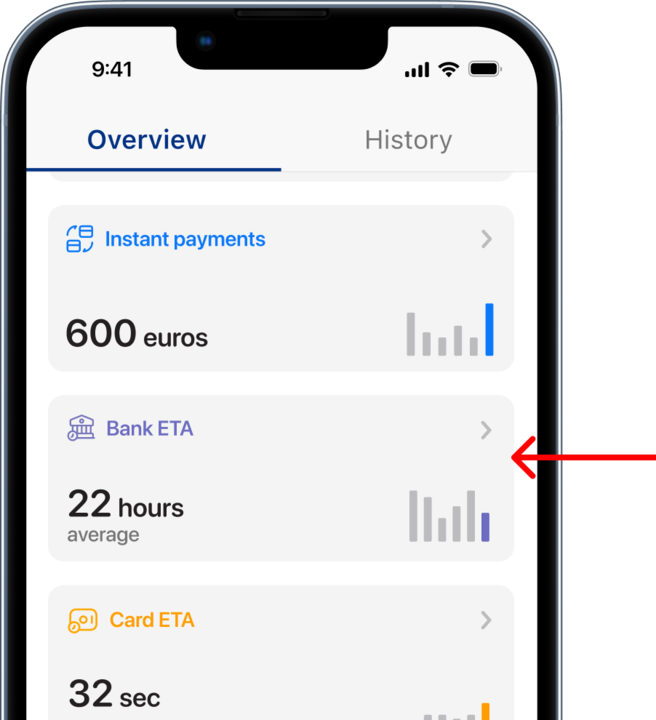
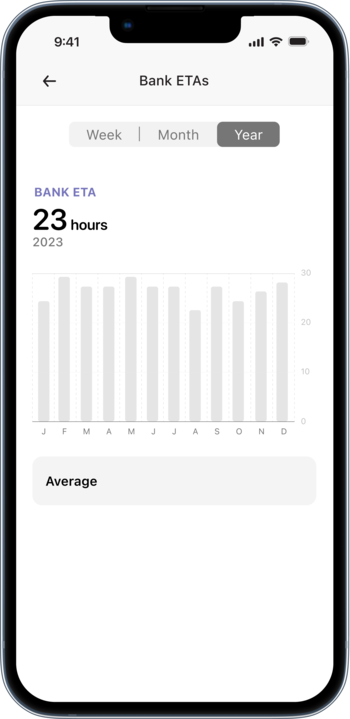
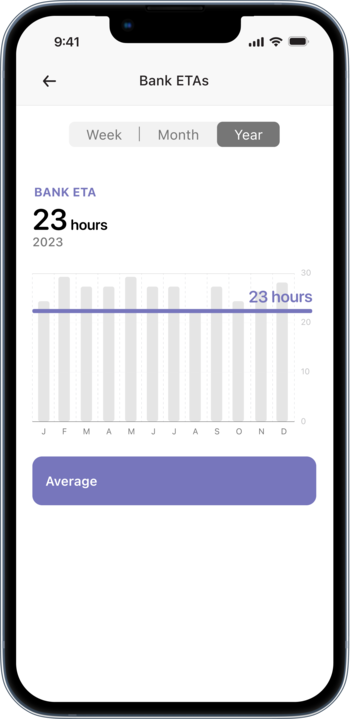
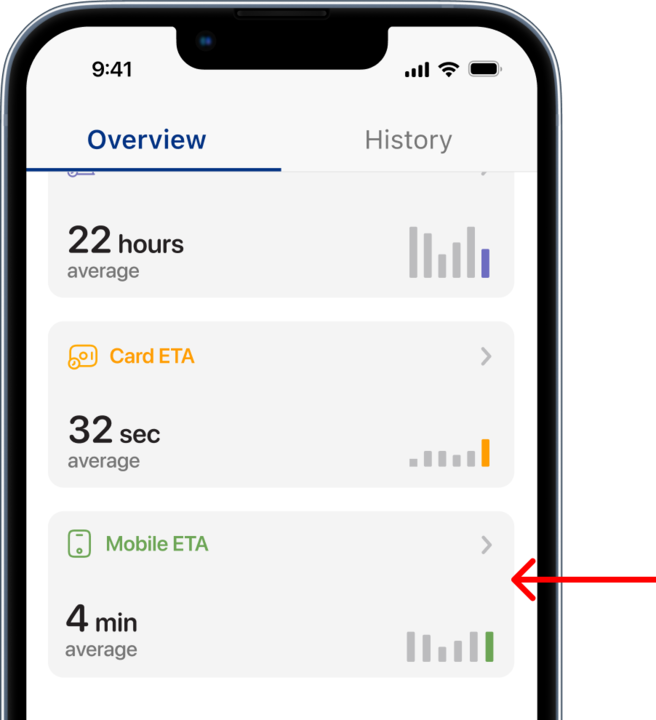
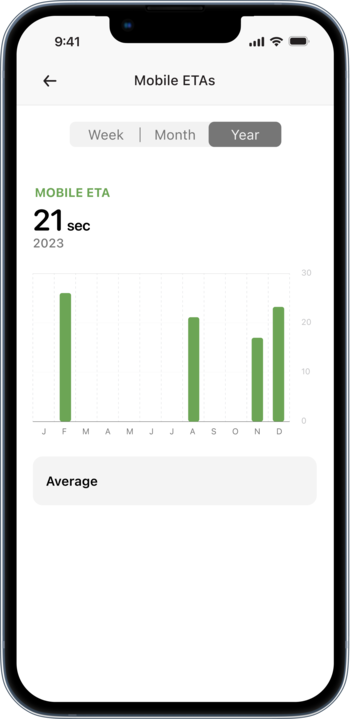
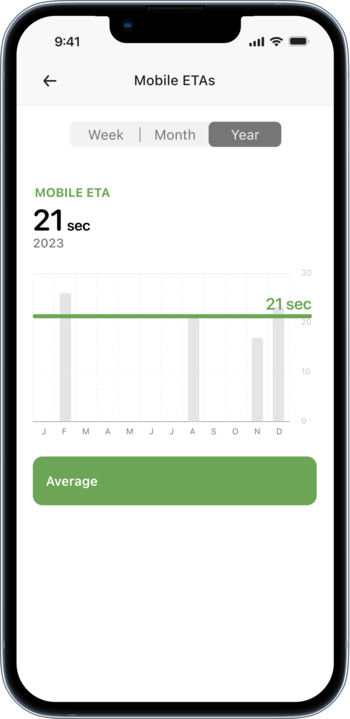
New statistical data design to calculate the ETA of previous transactions from all three available payment methods
Mobile users may now have a better estimation as to when will payments through the different available payment methods arrive,
as a result it will identify an average estimated time of arrival of previous payments.
Payment transactions via cards


Payment transactions via bank accounts
Payment transactions via mobile wallet
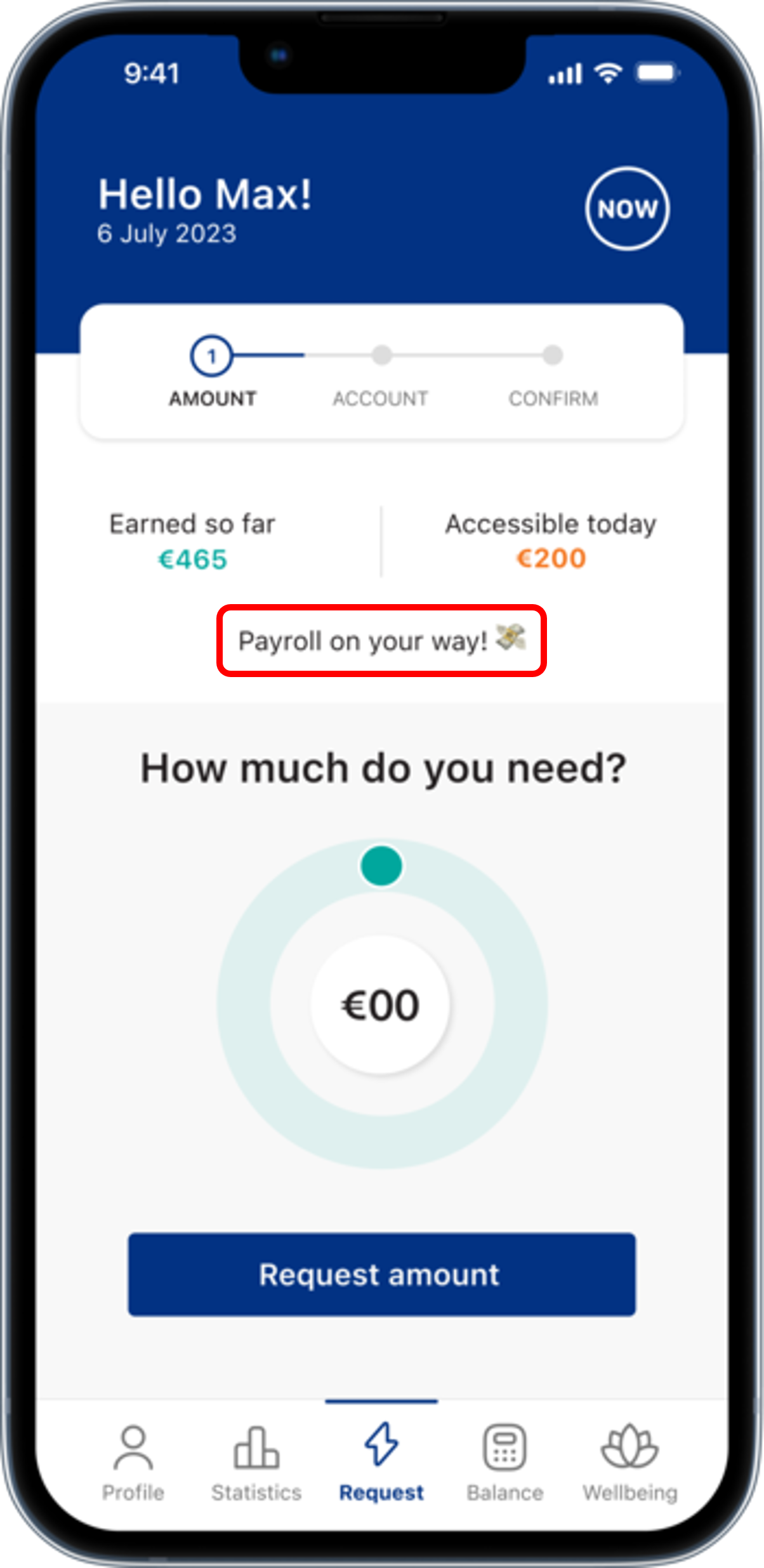
New payroll status is now visible in the mobile app for employees enrolled in payroll service with Cloudpay
CloudPay Now clients enrolled with payroll will now be able to monitor their salary payments and stay up to date with the progress, also this will allow users to expect when to receive the payment through a 4-stage notification process on the mobile app. The payment status will be divided into 4 different statuses depending on the milestones configured in the current calendar.
- Stage 1 - X number of days until cut off
- Stage 2 - Calculating payroll
- Stage 3 - Payroll calculated
- Stage 4 - Payroll is on your way!
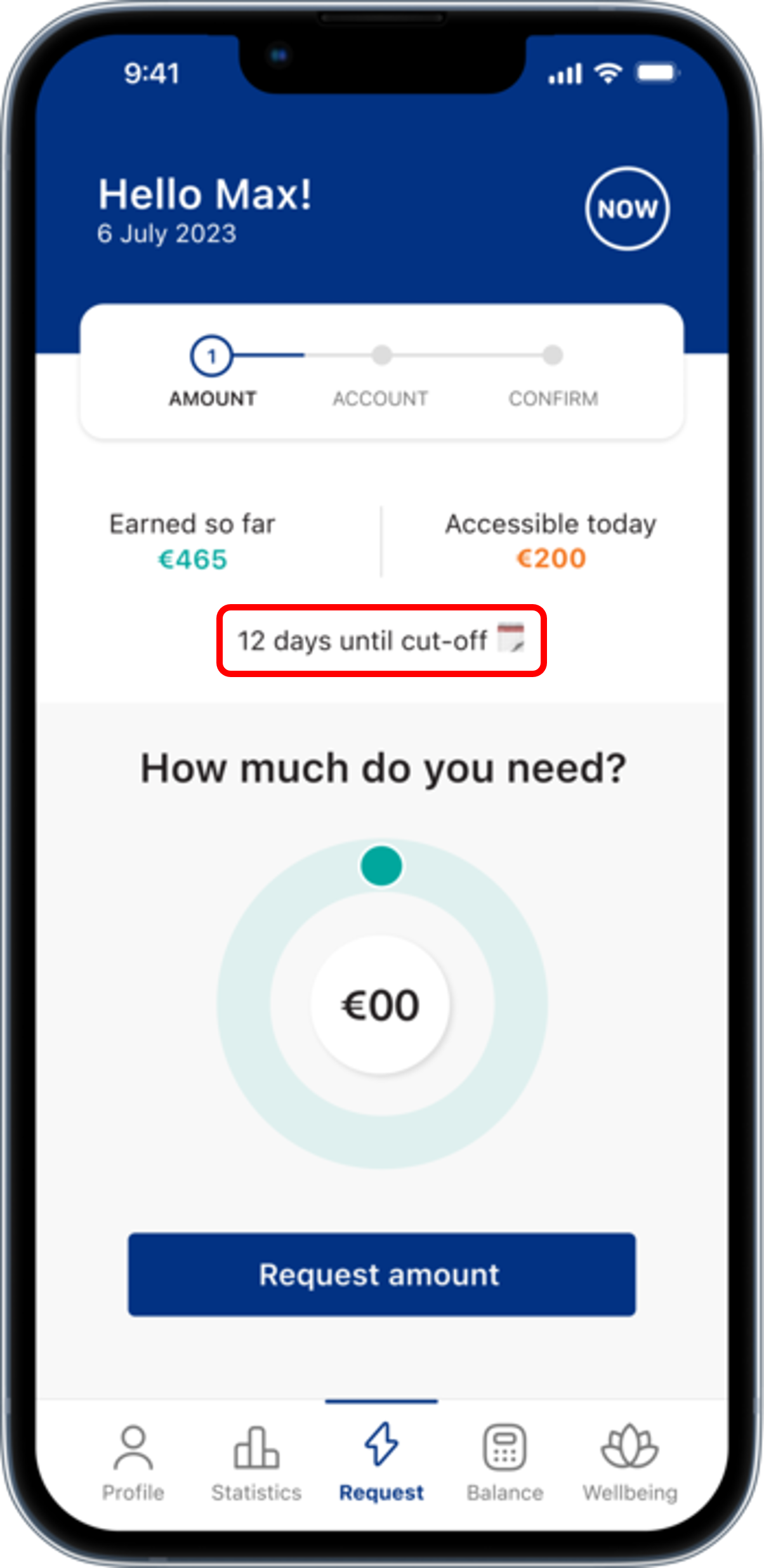
Stage 1 - X number of days until reaching the cut-off date
Status will display the exact days from the start of the pay cycle till the day before reaching the cut-off and block date.
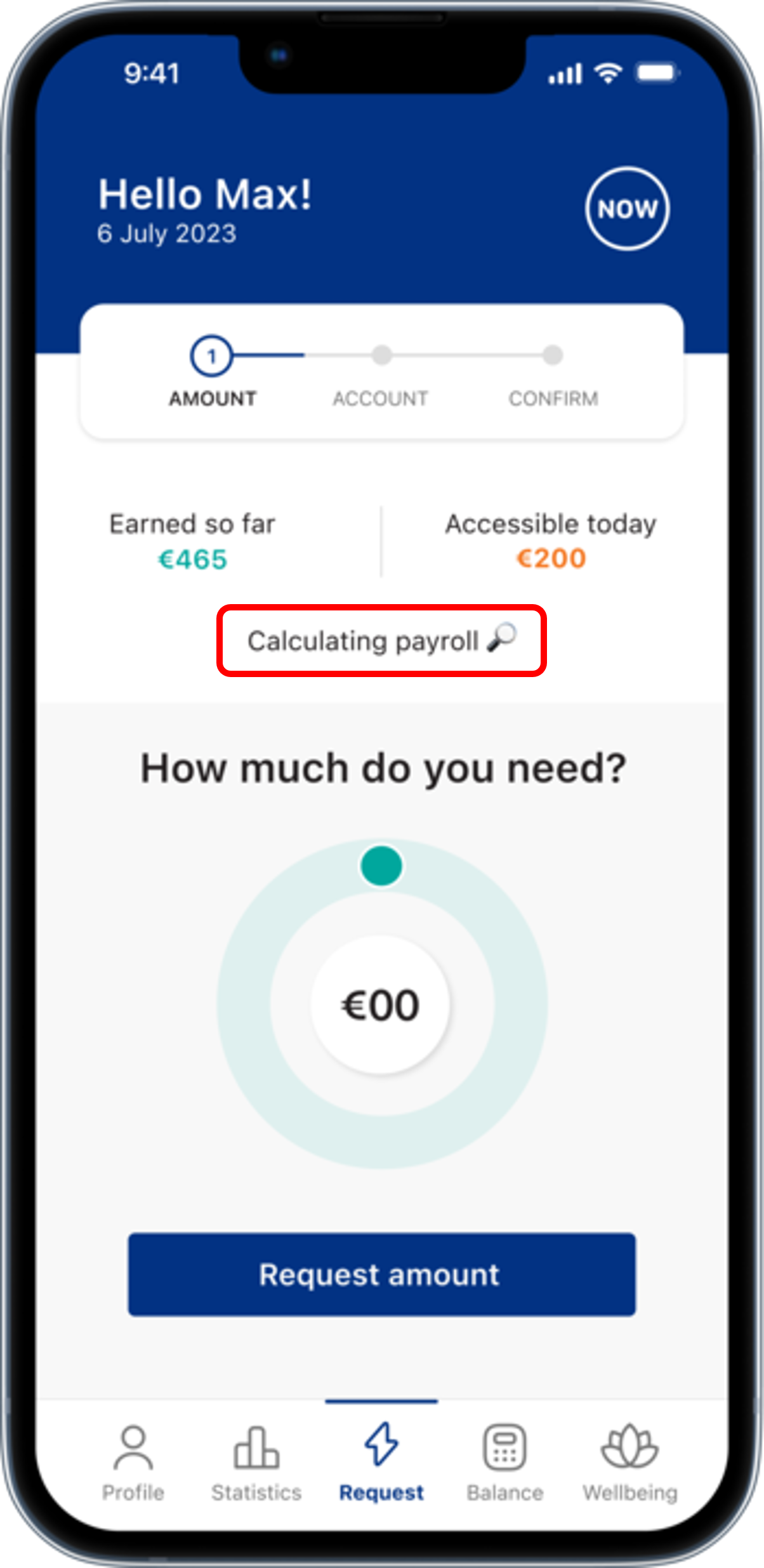
Stage 2 - Calculating payroll
This status will be displayed once the cut-off and block dates have passed before reaching the pay date.
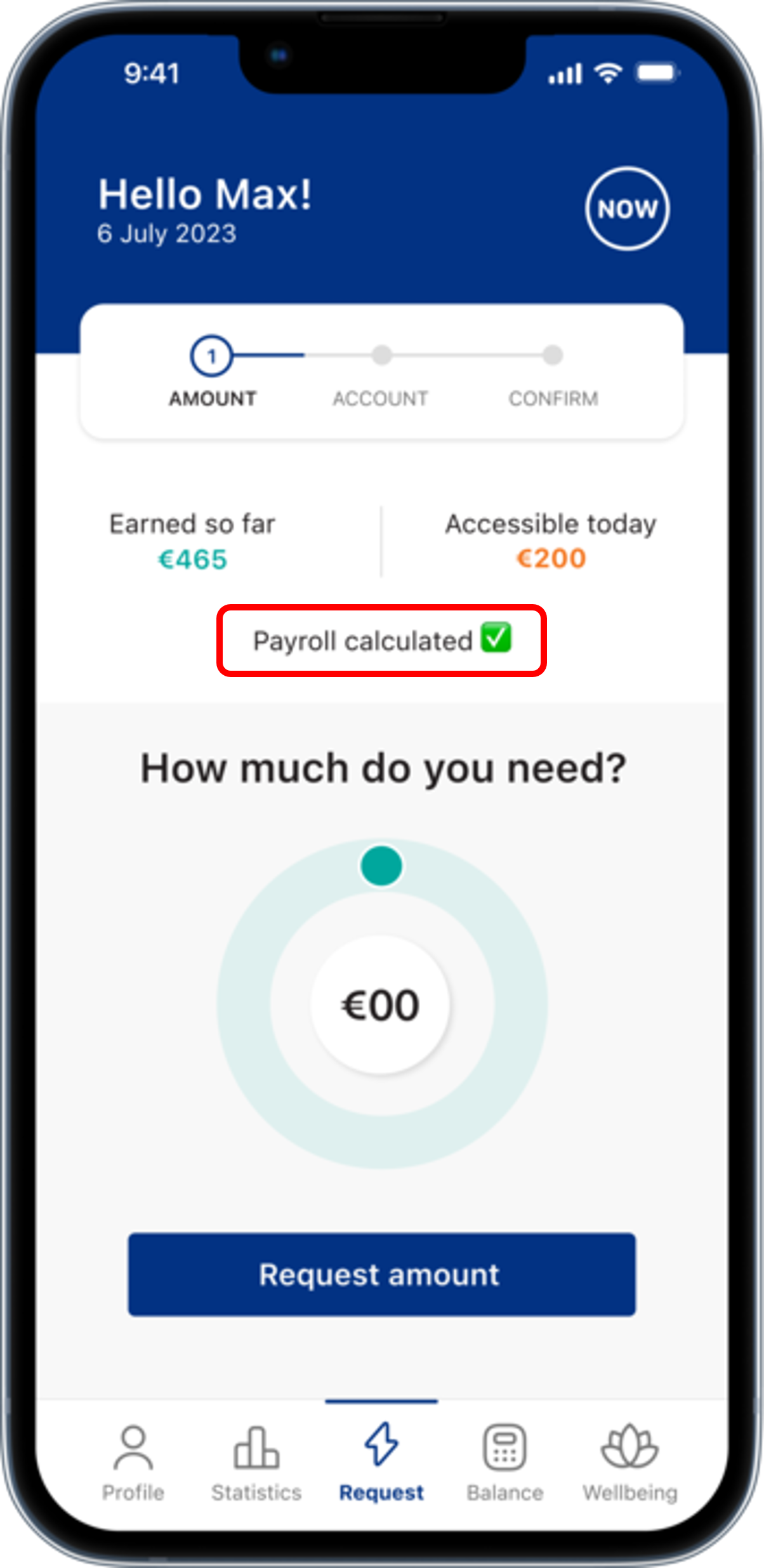
Stage 3 - Payroll calculated!
This status will be displayed upon reaching 1 day before the pay date, and it will inform the user that the
payroll salary calculation is finished with all pay-on-demands properly deducted if any.
Stage 4 - Payroll on your way!
This status will inform the mobile user that the payroll has finished its calculation process and will be displayed exactly on the pay date.
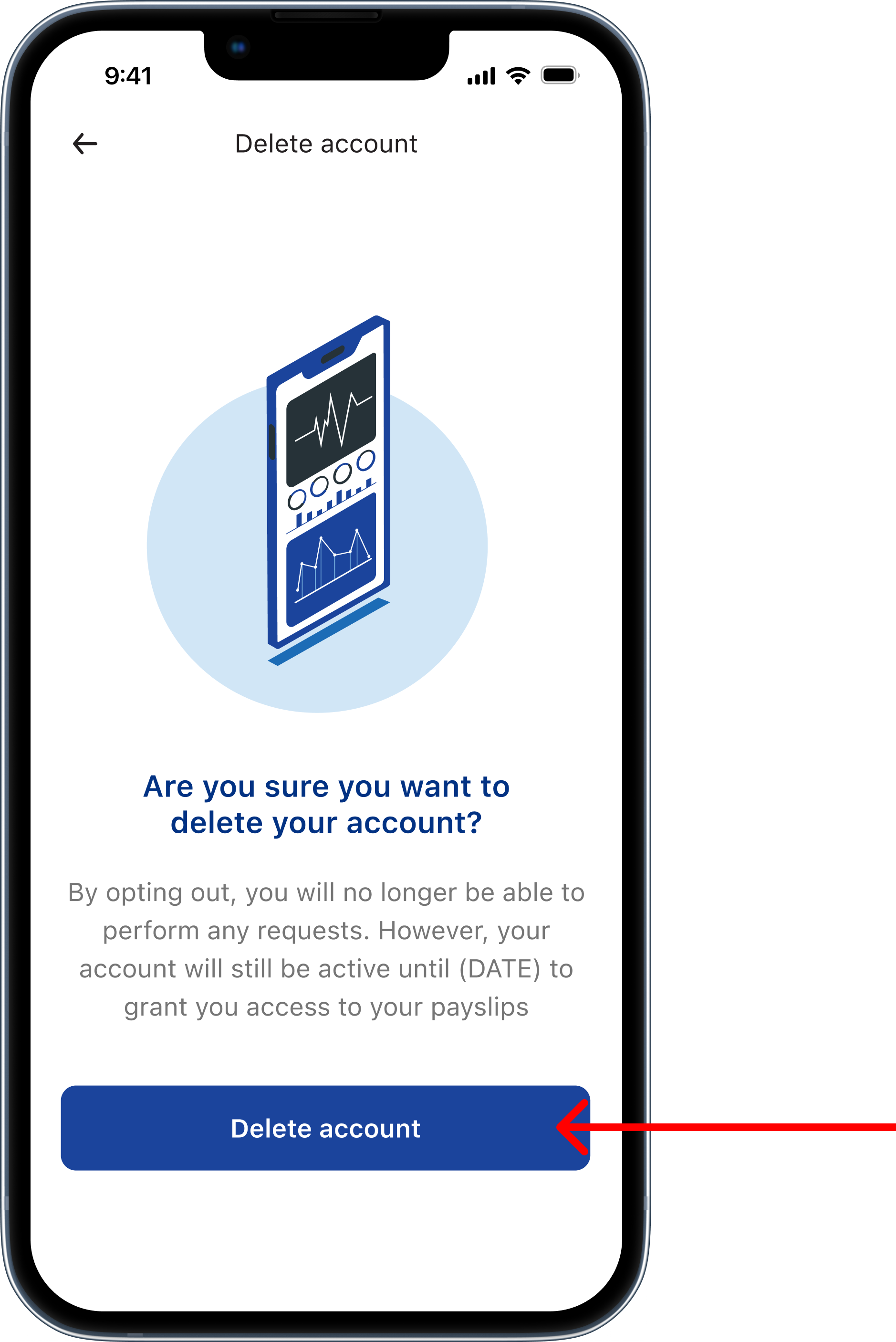
New employee data management when self-opting out of CloudPay Now for EWA + Pay slip customers only
CloudPay now clients that allow their employees to view their pay slips through the mobile app may now continue to view their pay slips and year end forms even
if they individually self-opt out of EWA service scope.
When an opt-out case is carried out, a notification message will inform the employee in the mobile app that his account may not be completed deleted due to the pay slips
feature is still activated.
Communication Message
By opting out, you will no longer be able to perform any requests. However, your account will still be active until (DATE) to grant you access to your payslips.
- Log in to post comments